

Piano roll and score studio
See every voice. Mark what you hear.
Night Roll is a piano roll and a score for studying music one voice at a time. Bring in the game music you own and every sound channel becomes its own track. Loop it, slow it down, mark what you hear, and write new music with an AI co-composer that does exactly what you ask.
- Night Roll · iPad · $4.99
- Night Roll Web · iPad · $4.99
- No account
Your game music
Bring in the music you grew up with
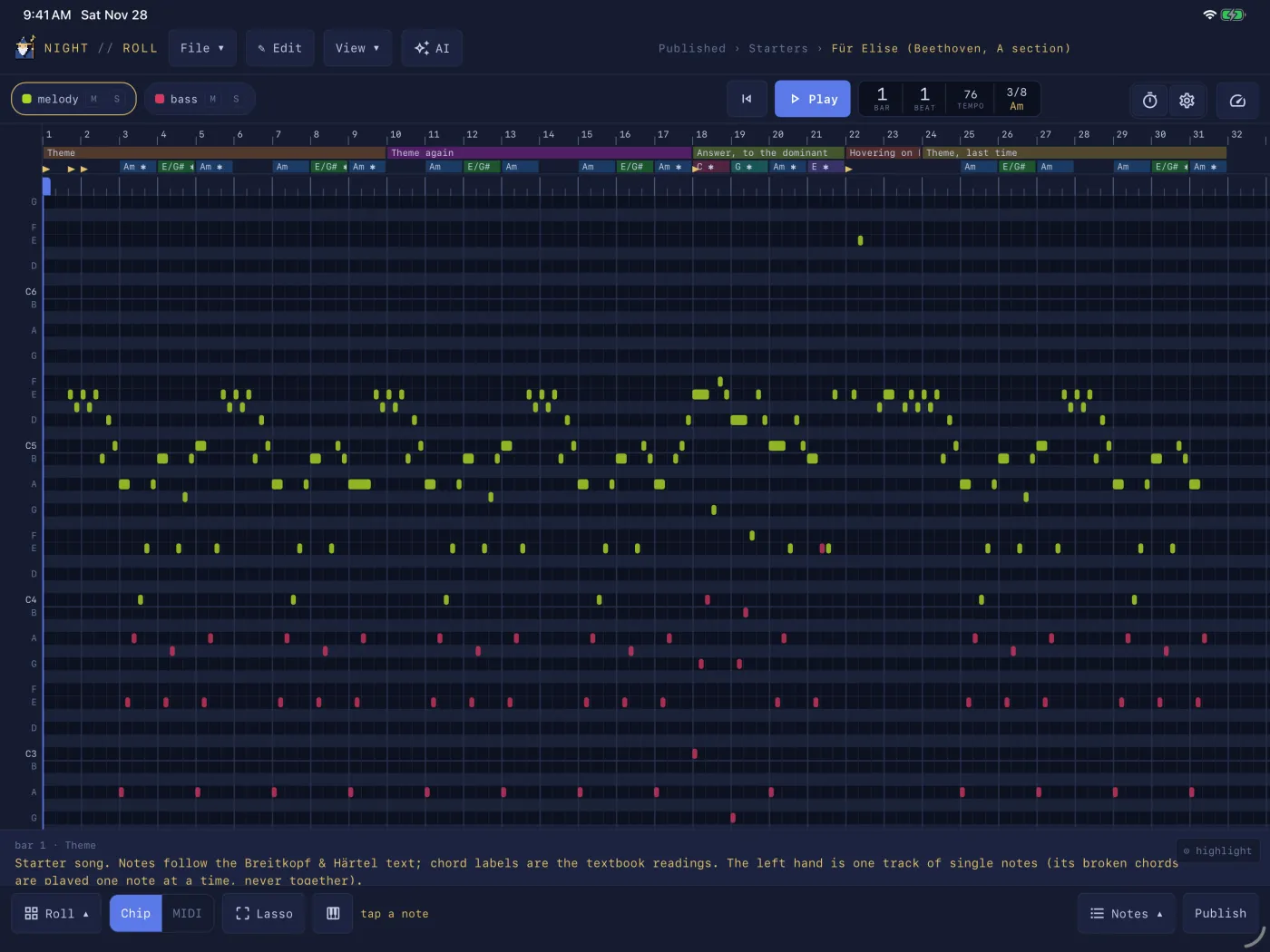
Night Roll is more than a player. Import the video-game music files you own, from 8-bit consoles to the 64-bit era and the generation after, and each song becomes a piano roll you can study, loop, slow down, annotate and edit, one track for every sound channel.
- NSF8-bit home console.nsf
- GBS8-bit handheld.gbs
- VGM8- and 16-bit sound chips.vgm .vgz · plays on instrument voices
- SPC16-bit home console.spc
- PSF32-bit era.psf .minipsf + .psflib
- USF64-bit era.usf .miniusf + .usflib
- PSF2The generation after.psf2 .minipsf2 + .psf2lib
- MIDIAny era, any source.mid .midi .kar .rmi
- Every channel is its own track. The pulse waves, the triangle bass, the noise drums, each sample voice: read note by note from the file and laid out in color.
- Hear the original sound. Play the song with its own sound-chip voices, or flip the Chip | MIDI switch and hear the same notes on instrument voices. VGM files read note by note but play on instrument voices.
- Pull it apart. Mute, solo and re-voice any channel, loop the hard bar, slow it to half speed with the pitch kept.
- Make it yours. Edit a copy, rearrange it, write your own part over it, and export a score, tab, MusicXML or MIDI.
- Bring the whole set. Pick a set's files together, with its .m3u playlist when it has one, and the tracks arrive named and in order. Night Roll Web also takes a zip.
Files you own. Night Roll ships no game music and links to no file archives. It reads files you already have, from your own collection, homebrew releases, or music you wrote. Import tips
AI co-composer
Tell it what you want. It does exactly that.
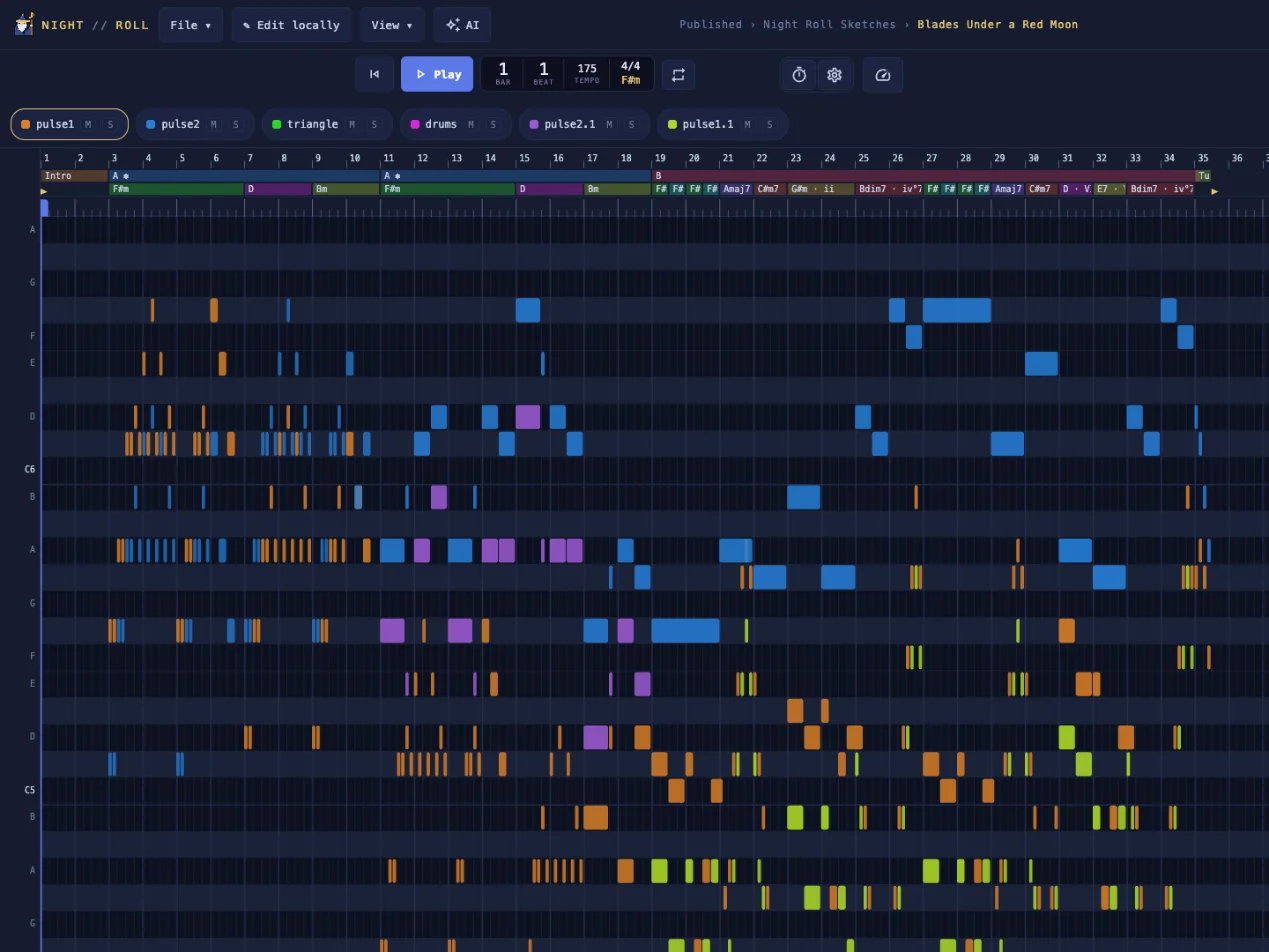
Open the AI panel and talk to your song. It sees the bars in view, your cursor, your selection and your annotations, so “bar 9” means your bar 9. Ask it to write notes, run the Drummer or the Bassist, rearrange bars, change a track, or play a passage, and it acts in the app. Every edit is one undo step.
Write
- On pulse 2, write C5 at bar 3 beat 1, an eighth, then D5 on beat 1.5.
- Drums for bars 5 to 12, a bit less energy.
- Bass line for bars 1 to 16, walking, follow the drums.
- That one again, quieter.
- Add a track called pad.
Arrange
- Repeat bars 5 and 6 right after themselves.
- Transpose the lead in bars 9 to 16 up an octave.
- Quantize the bass in the chorus to sixteenths.
- Insert two empty bars at bar 9.
- Mute the noise channel.
Mark and study
- Mark bars 6 to 12 as section A.
- Put an F#m chord on bar 21.
- What's on the bass in bars 40 to 48?
- Compare this chorus with the one in my other song.
Play and keep
- Go to bar 13 and play.
- Loop bars 5 to 12.
- Play the loop seam.
- Save a version called before drums.
- Export tab and MusicXML, each part its own file.
Writing vs. learning. When you ask it to write or change something, it does that and only that: it never slips in a note or a chord you didn't ask for. In Learning mode, the default, it won't hand you the answers about a song you're studying. Ask what key bar 9 is in and you get a hint back; insist, or say you give up, and it tells you.
What it needs
- Night Roll Web: a small model (0.4 to 4 GB) that downloads once and then runs on the iPad itself, if the iPad supports WebGPU (File › Settings › AI model › Test tells you). Or the address of an OpenAI-compatible server you run, such as LM Studio or Ollama on your computer.
- Night Roll (native): the song chat talks to a server you run, at an https address you enter in Settings › AI. Apple's on-device model, on iPads with Apple Intelligence, answers questions about the app but does not edit songs.
Night Roll ships no AI key, runs no AI service and charges nothing for it. Until you connect a model, the AI panel has nothing to answer with; the rest of the app works the same. Step-by-step AI setup
See every voice
Roll, score or one lane per track
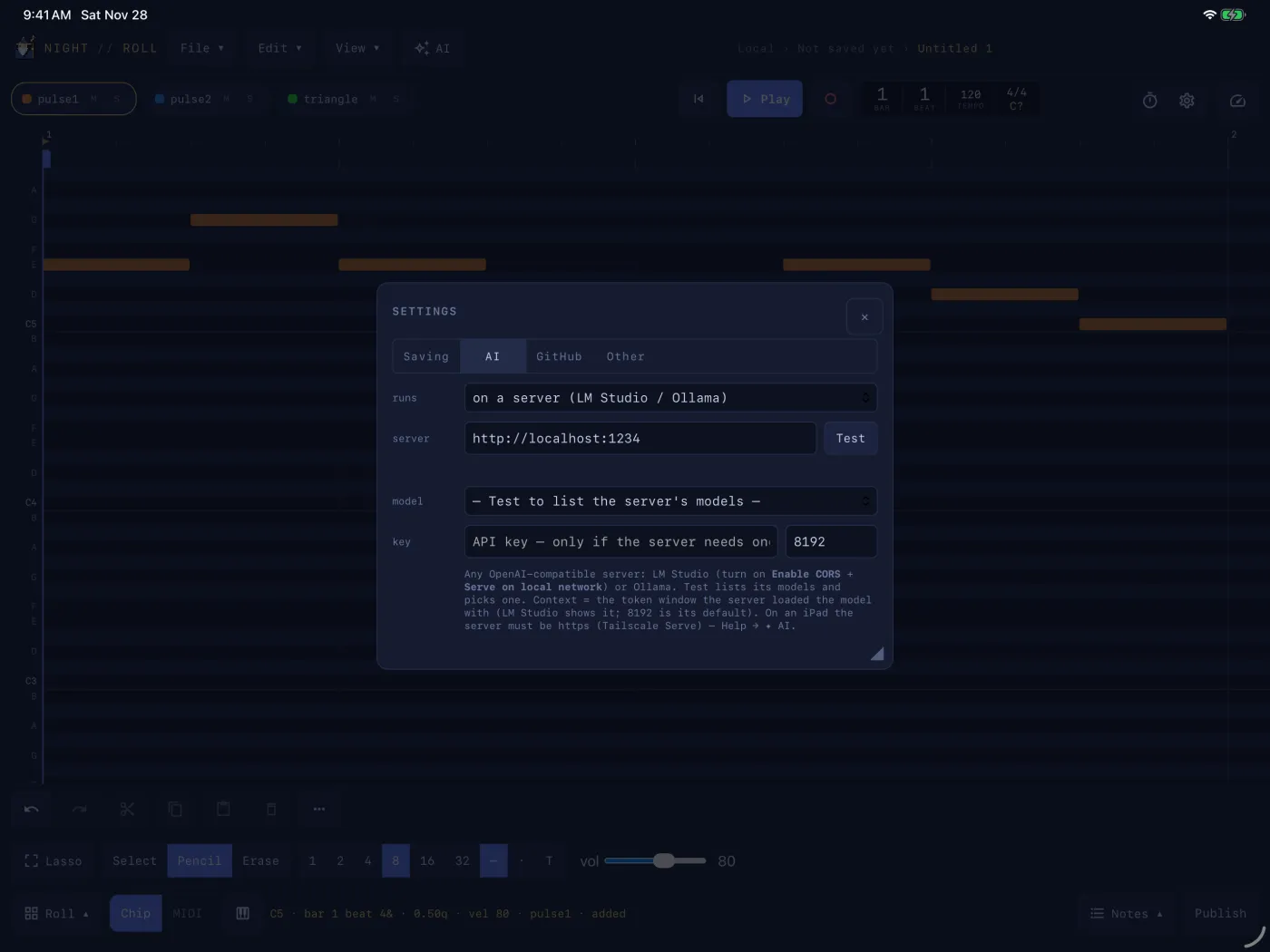
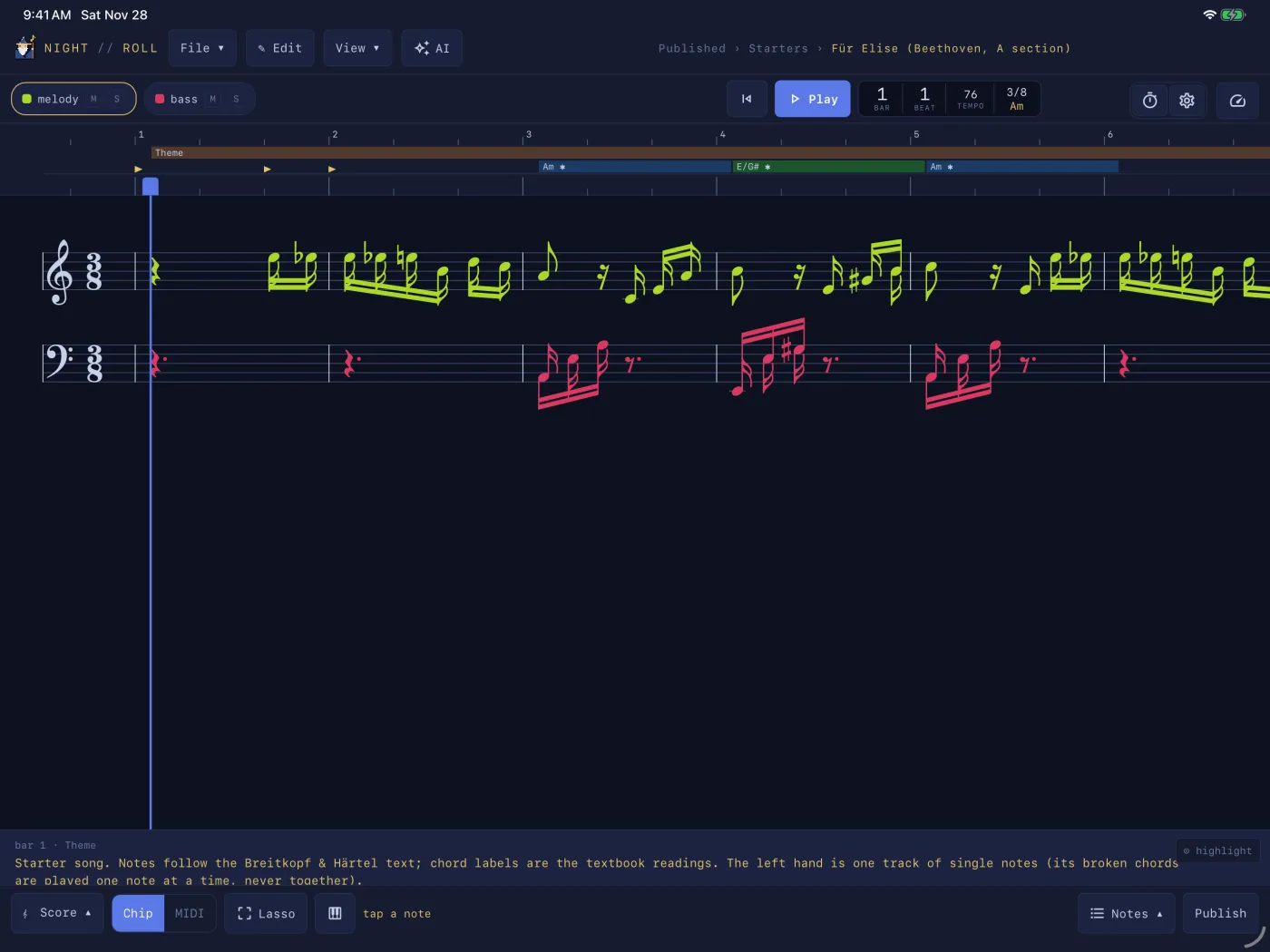
- Each track appears as bars on a piano roll, as an engraved score, or as one lane per track.
- Tap a note to hear it and read its pitch, bar and beat.
- Lasso a group of notes to list them. Pinch to zoom.
- The view can follow the music or stay where you left it.
Practice
Loop it, slow it, count it in
- Loop any span from the ruler, or set loop points A and B.
- Slow a song down or speed it up with the pitch unchanged.
- Metronome in any meter, with accents, subdivisions and a one-bar count-in.
- Hear a loop's seam: the bars before the jump and the bars after it, back to back.
- Mute, solo, color and re-voice any track in the mixer. Music keeps playing when you leave the app.
Mark what you hear
Annotations, anchored to the beat
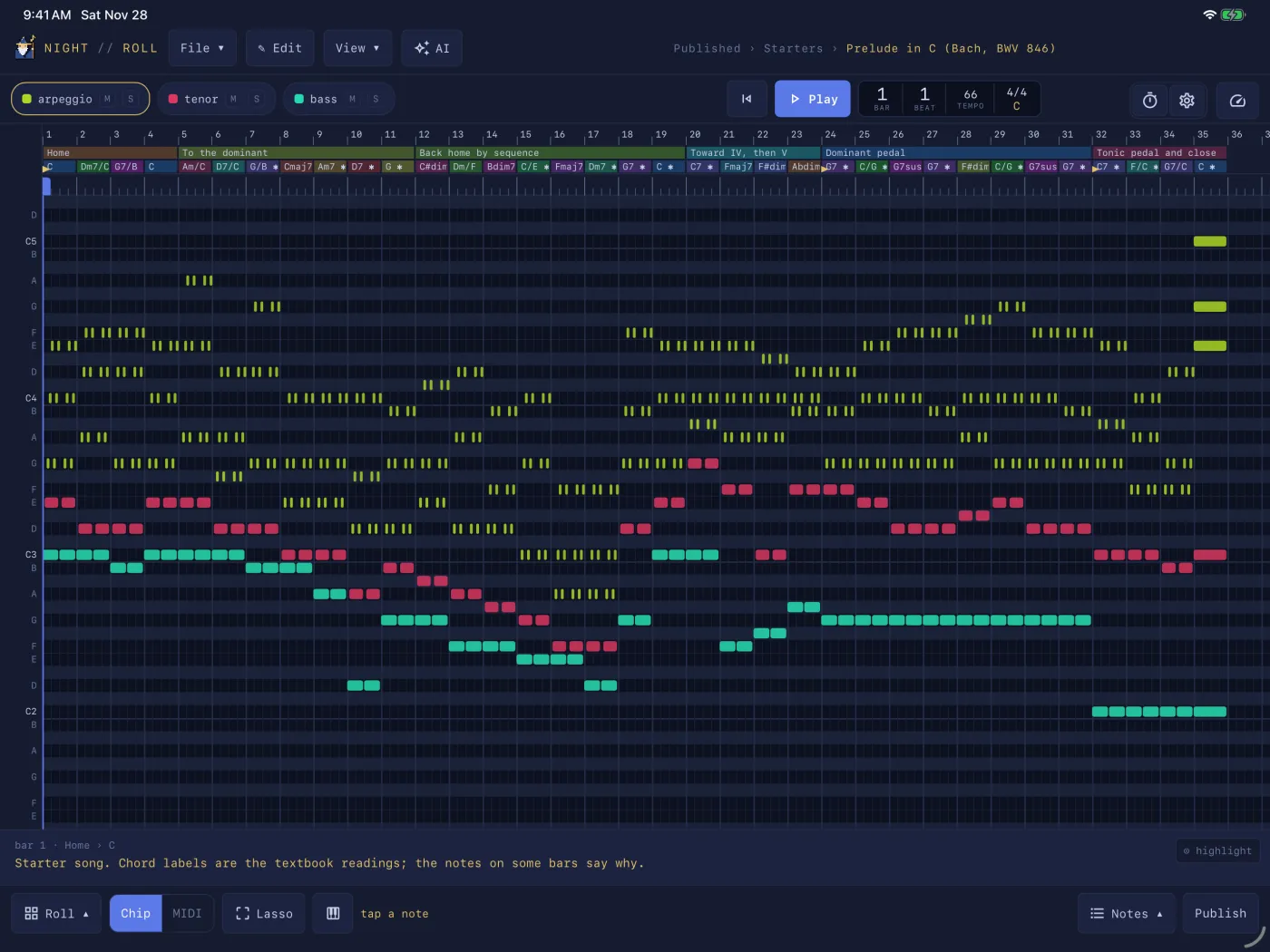
Add sections, chords, keys, meter and tempo changes, loop points and free notes. They are saved with the song.
Write and edit
Pencil, grid, chords, a band that follows you
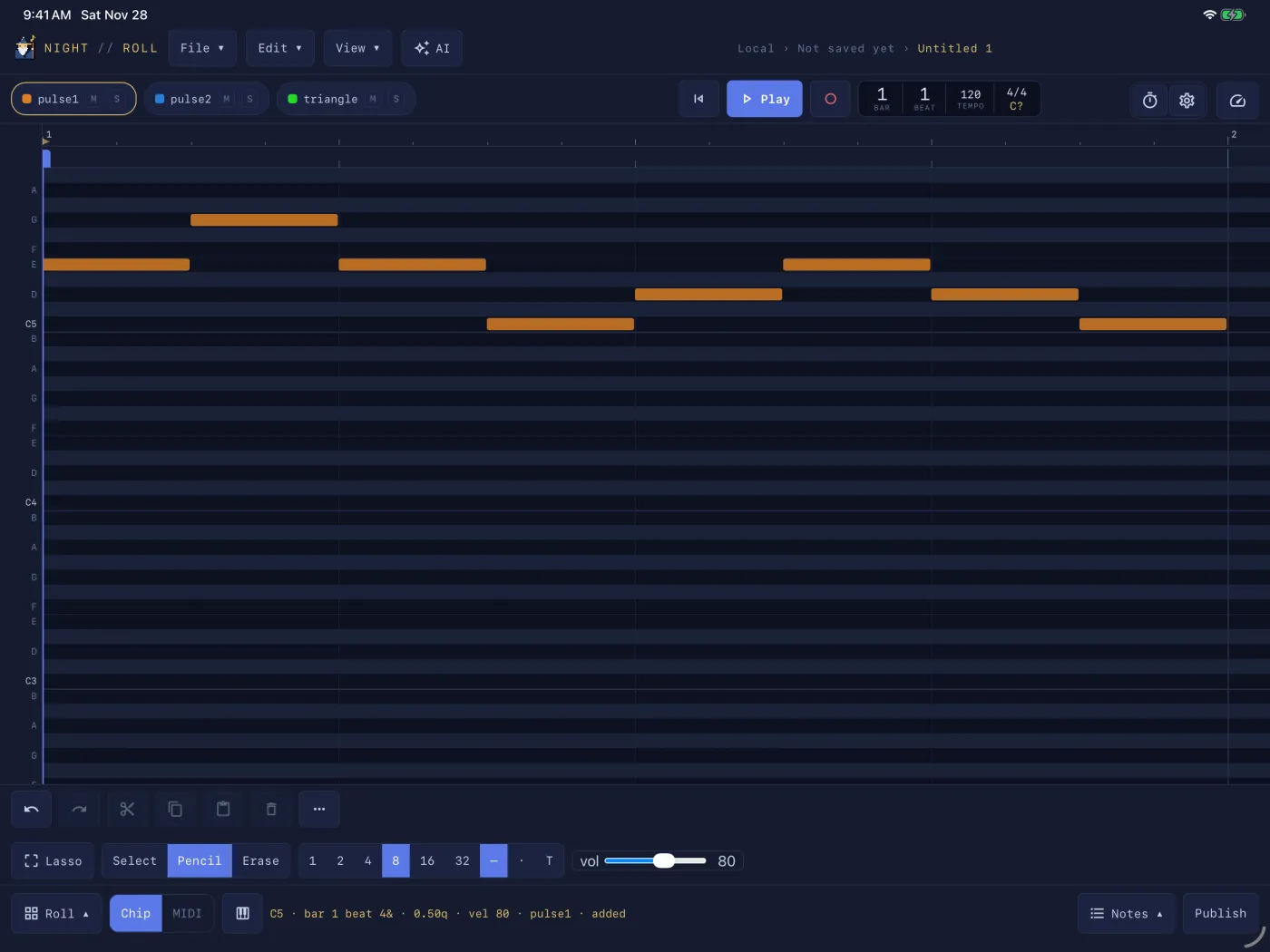
- Start a new song and pencil notes onto a grid. Change velocity, quantize, transpose, split and join.
- Insert chords and play on the on-screen piano or guitar neck, or a MIDI keyboard.
- The Drummer and the Bassist sketch a part from the structure you declared.
- Undo and redo; the web edition keeps your undo history after you close the app, the native app keeps saved versions.
Import and export
Your own files in, scores and tab out
- MIDI files (.mid, .midi, .kar, .rmi), audio files and SoundFont (.sf2) banks.
- Game-music files from your own collection: see above.
- Export the score as printable pages or PDF, MusicXML (opens in Guitar Pro and MuseScore) or text tab. The native app also exports MIDI.
Starter songs
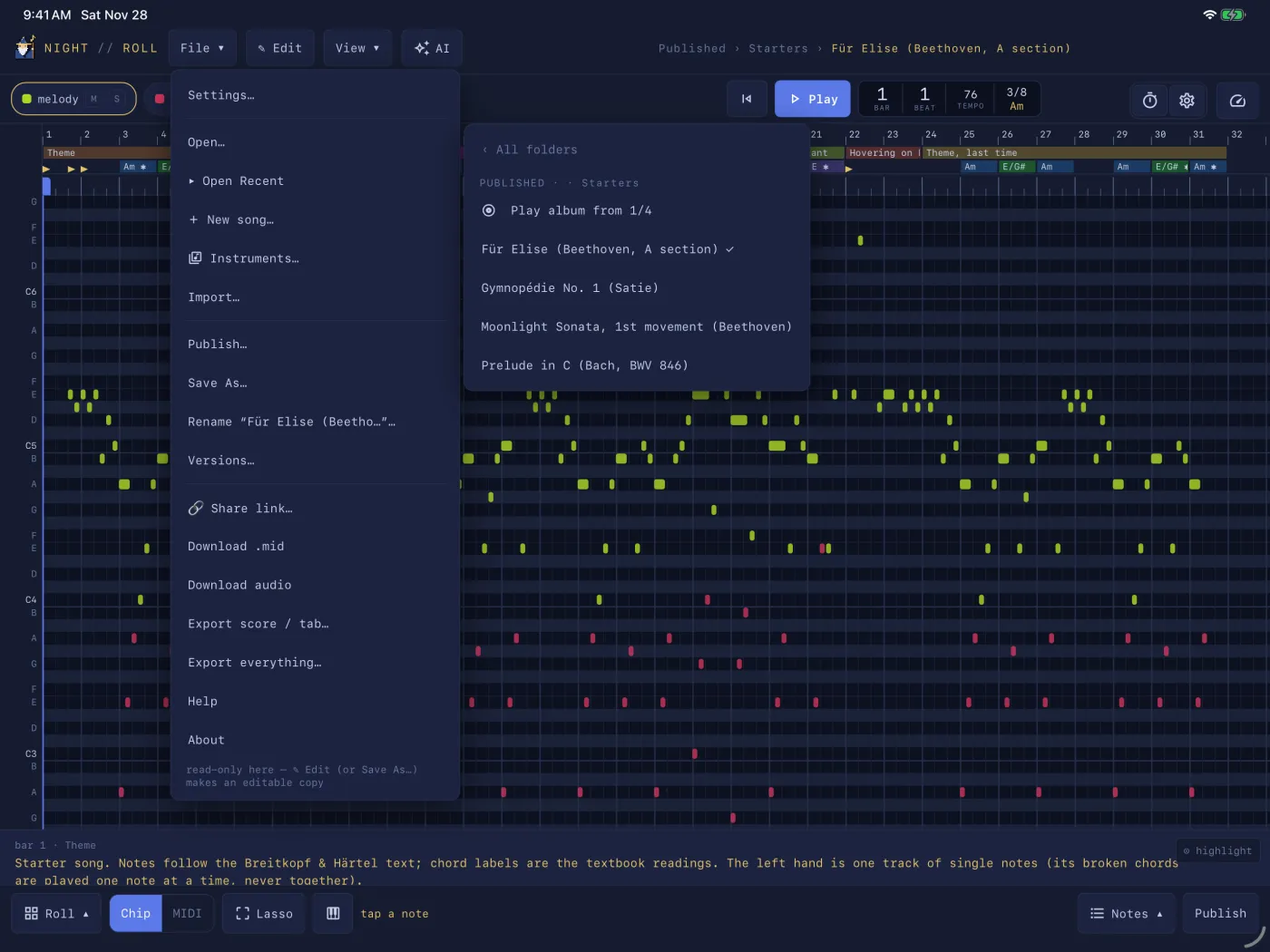
Bach's Prelude in C, Satie's Gymnopédie No. 1, Beethoven's Für Elise and the first movement of the Moonlight Sonata, annotated as demo material.
Saved where you choose
Songs and annotations stay on your iPad, or in a folder you pick in Files.
Two editions
Night Roll is built natively for iPad. Night Roll Web is the same study studio that runs on the web, packaged for iPad. They share the views, annotations and practice tools; pick the one that fits your device.
| Night Roll | Night Roll Web | |
|---|---|---|
| Price | $4.99 | $4.99 |
| Devices | iPad | iPad |
| Requires | iPadOS 17 or later | iOS / iPadOS 15 or later |
| Playback speed | 50% to 150% | 25% to 200% |
| Game-music import | NSF, GBS, SPC, PSF, PSF2, USF with chip sound; VGM/VGZ on instrument voices | The same, plus zip sets |
| Audio import | wav, mp3, m4a, aif, flac | wav, aiff, mp3, m4a |
| Export | PDF, MusicXML, text tab, MIDI; per part or one file, Letter or A4 | Printable pages, MusicXML, text tab |
| History | Save Version; restore any of the last 20 | Undo history survives closing the app |
| AI co-composer | Your own server (https); Apple's on-device model answers app questions | Small in-app model, or your own OpenAI-compatible server |
| Publishing | Optional, to your own GitHub repository with your own token | |
| Account, ads, tracking | None | None |
Questions
Will Night Roll tell me what key a song is in?
Not in Learning mode, which is the default. Night Roll is built for finding things out yourself: it shows notes, bars and beats, and leaves keys, chords and meters to you. Normal mode (in the View menu) shows estimates, clearly labelled, and never writes them into your annotations unless you tap.
What can I open?
Standard MIDI files, audio files, SoundFont banks and chip-music sound files you own. See importing your files for the full list.
Does Night Roll come with music?
Four public-domain piano pieces, annotated as demo material. Everything else is what you write or import. The app includes no game music and no third-party songs.
Where are my songs saved?
On your iPad, or in a folder you choose in Files. Annotations are saved beside the song.
Do I need the AI assistant?
No. It is off until you set it up, and the rest of the app needs no setup at all.
Do I need both editions?
No. They are separate purchases with the same core. Choose Night Roll for the native iPad app with PDF and MIDI export, or Night Roll Web for the same studio as the web version.