
Guides / Night Roll
Import your game music, MIDI and sounds
Bring in the game-music files you own, a whole set at a time, plus MIDI, SoundFont banks and audio. Night Roll and the Retro Player.
- Night Roll
- Night Roll Web
- Retro Player
Get the files onto your iPad
Night Roll and the Retro Player read files from the Files app: On My iPad, iCloud Drive, a USB drive, or any storage provider that shows in Files. AirDrop and the share sheet work too. Keep a set's files together in one folder.
Files you own. The apps include no game music and link to no file archives. Import your own collection, homebrew releases, or music you wrote.
What to pick for each format
| Format | Era | Pick |
|---|---|---|
| NSF | 8-bit home console | The .nsf, plus its .m3u playlist if it has one (it names the tracks) |
| GBS | 8-bit handheld | The .gbs, plus its .m3u |
| SPC | 16-bit home console | Every .spc of the set, picked together |
| VGM | 8- and 16-bit chips | .vgm or .vgz. Read note by note; plays on instrument voices |
| PSF | 32-bit era | Every .minipsf plus the one .psflib, picked together |
| USF | 64-bit era | Every .miniusf plus the one .usflib |
| PSF2 | The generation after | Every .minipsf2 / .psf2 plus the one .psf2lib |
| MIDI | Any | .mid, .midi, .smf, .kar, .rmi, one or many |
A playlist picked on its own later names the tracks of a set you already imported.
Refused, with the reason named: an 8-bit file whose music needs an extra sound chip from the cartridge (the app names the chip), and a PSF2 set that holds only streamed audio rather than notes.
Night Roll: import
- Open File › Import…. One screen lists every format with what it needs.
- Tap Choose files… and pick the set's files together (select several in the picker). Night Roll Web also takes a
.zipof a set. - A capture runs for each track: it plays the file through the sound-chip emulation, writes every channel as its own track, finds the loop and trims it, and fits the tempo. It keeps running if you close the panel.
- The tracks land as a local album named for the set. Audition and rename each one.
- Press Play. Use the Chip | MIDI switch to hear the original chip voices or instrument voices.
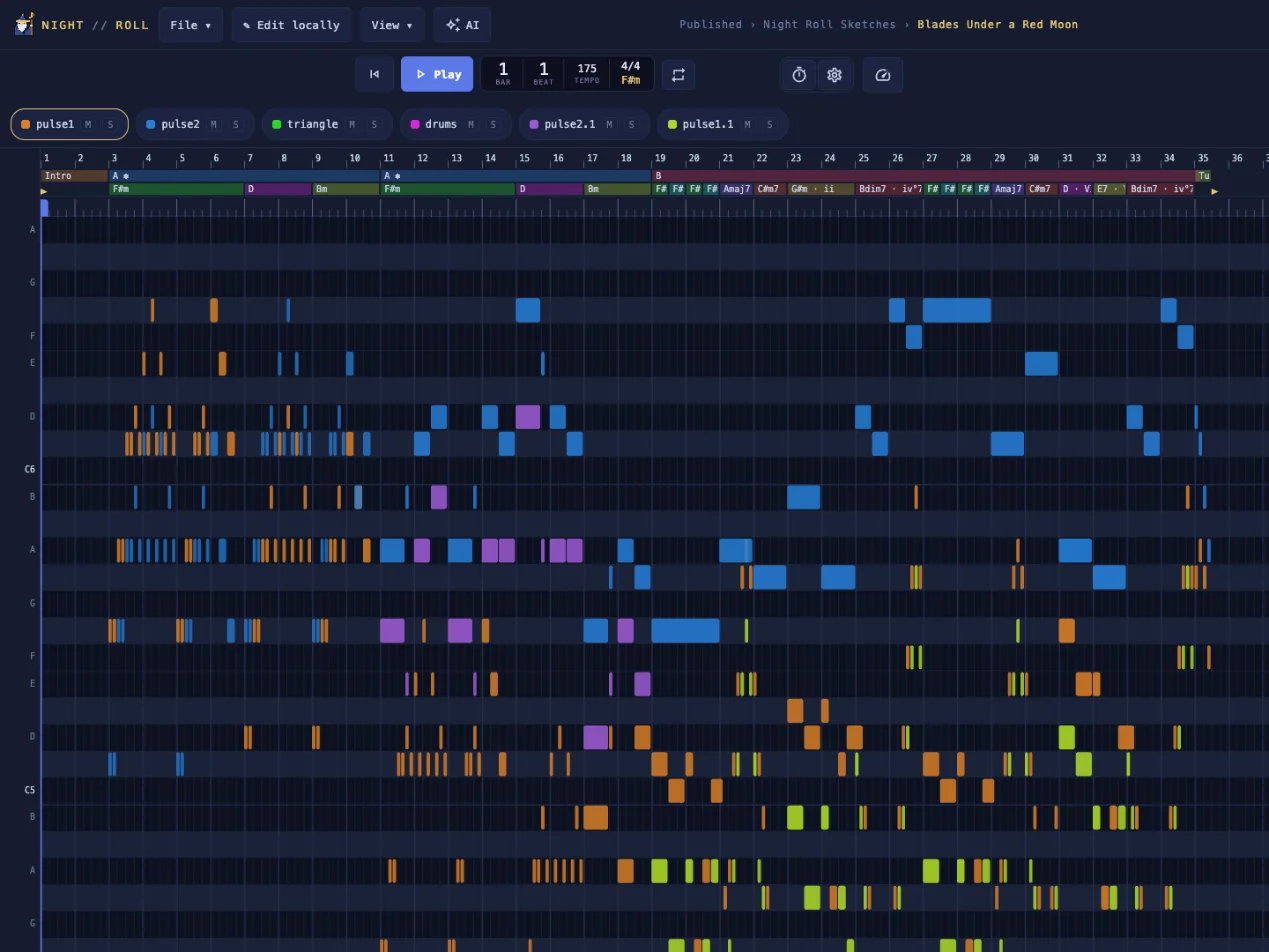
MIDI asks where it belongs: Keep local (this iPad only) or Create album for several at once.
SoundFont (.sf2): one bank; its presets become voices you can give any track.
Audio (.wav, .mp3, .m4a, .aif; Night Roll also .flac): becomes a new song at 4/4, 120 BPM, with empty tracks to write against.
Retro Player: import
- Open the Library tab and tap Import files…, or share files to the Retro Player from another app.
- Pick a file, a set's files together, or a
.zipof a set with its playlist. - The set appears in the Library with its tracks named and in order. Tap a track to play.
Fretworks: songs to practise
Fretworks imports MIDI, MusicXML (.musicxml, .mxl), Guitar Pro (.gp, .gp5), guitar-arrangement .xml, .psarc song archives and text tab. Open the file in Fretworks from Files or the share sheet, or use Import music… in Exercises or Settings. Practising a song.